Context
World of Coffee brewing
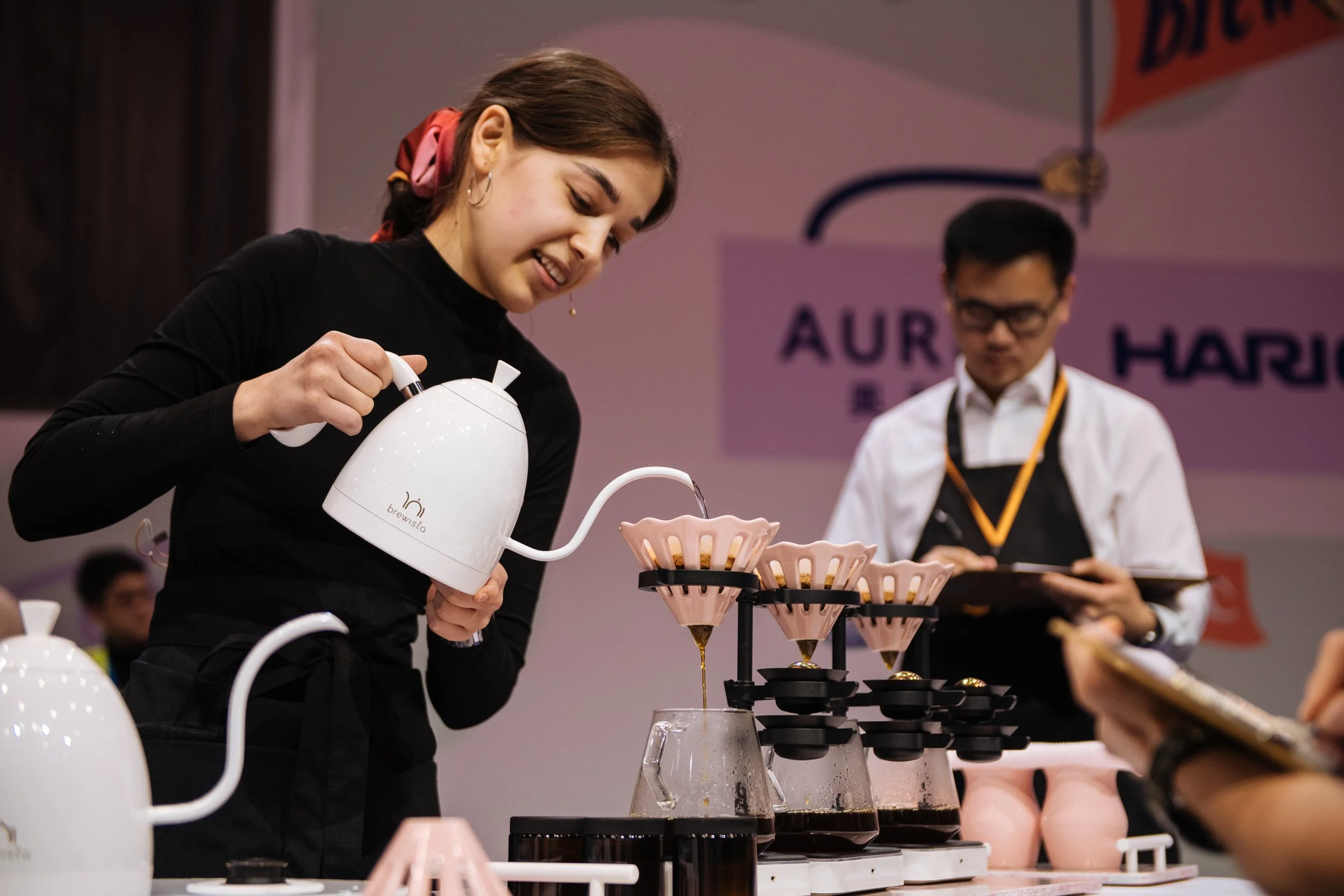
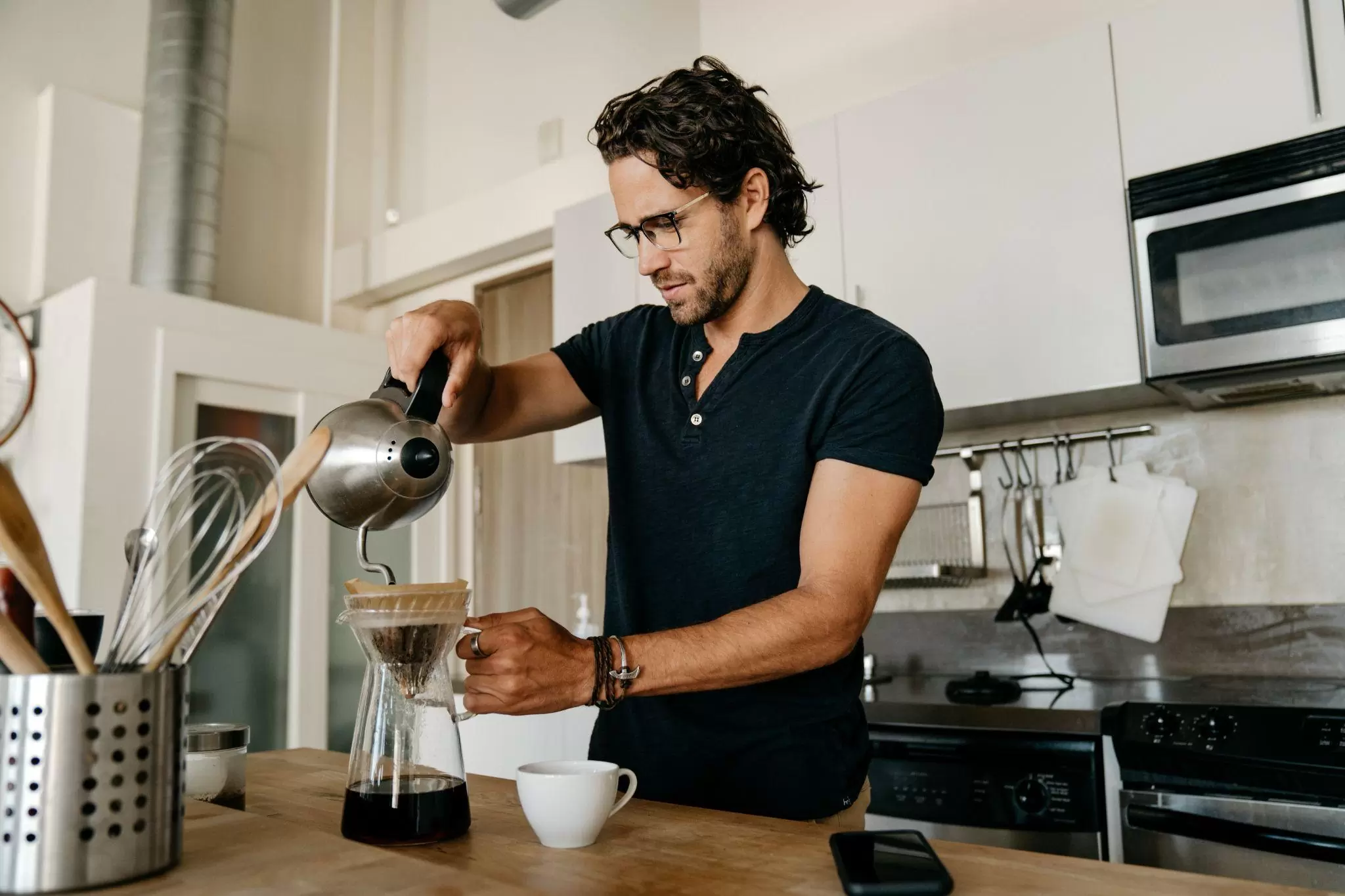
From competition stages to home kitchens, pour-over has become the quiet “control freak” of coffee. Small changes in flow, timing and pattern make a huge difference in the cup.
Ritual
First thing in the morning
Before emails or meetings, people want a calm, reliable routine: grind, bloom, pour, repeat. The brewer has to feel effortless at 6 am.
Behaviour
Precision and fine details
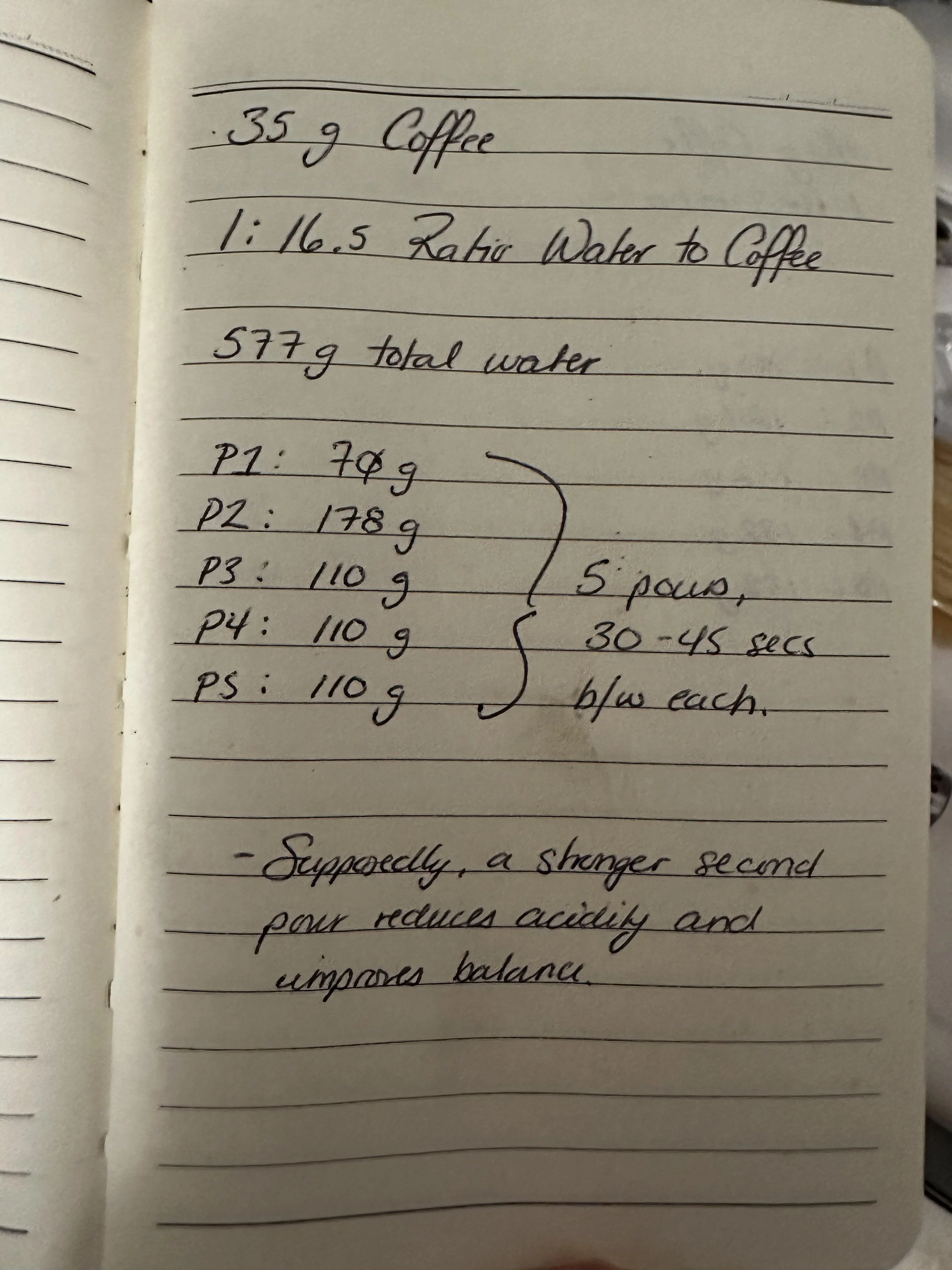
Serious brewers obsess over grams, seconds and pour arcs. They already keep notes and tweak recipes – they just need a tool that can repeat those tiny adjustments on demand.
Technical
Obsession
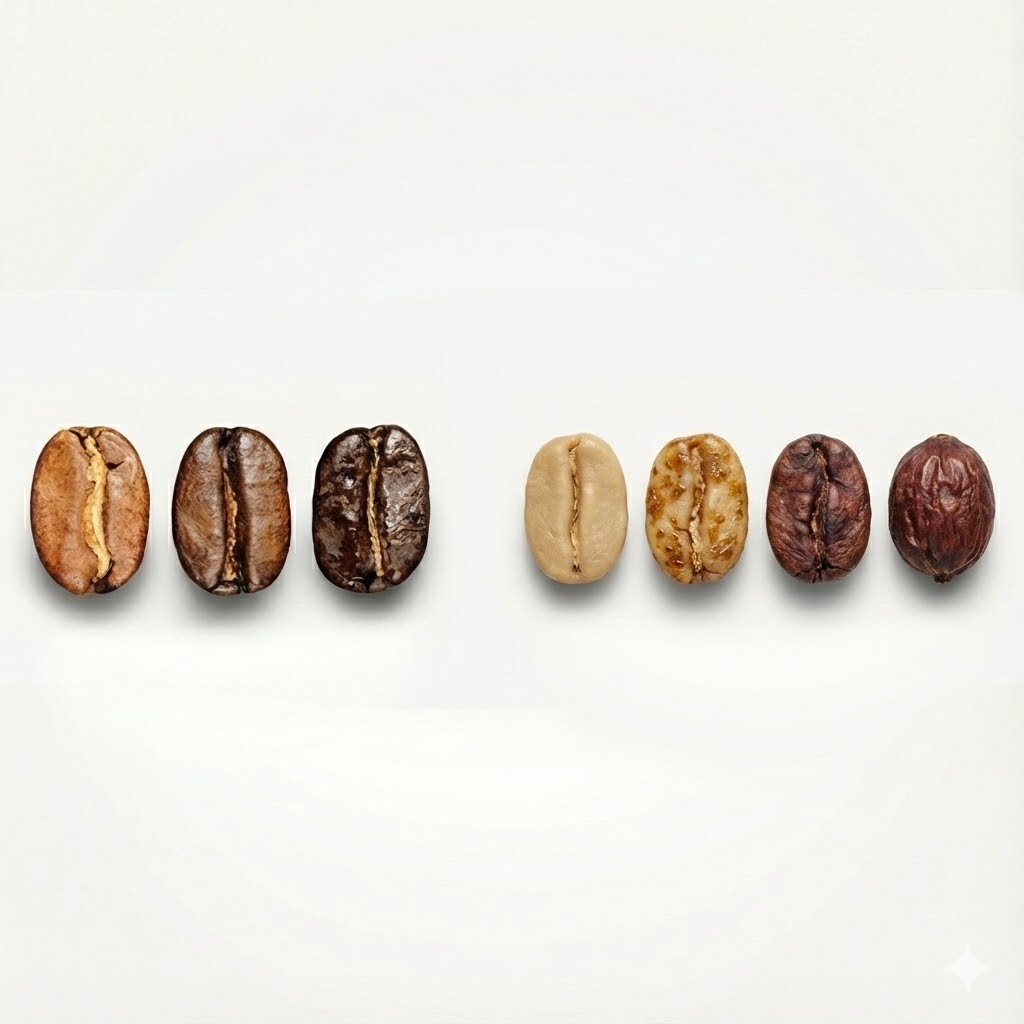
Under the ritual is a very technical hobby: water chemistry, flow rates, agitation and temperature profiles. OTIS is aimed at users who enjoy that depth but still want clean, approachable hardware.
Persona
Julian - The Analytical Enthusiast
Bio & Background
Julian has been brewing specialty coffee for five years. He started with a standard French Press, moved to a V60, and currently owns an impressive array of brewing gear. He follows coffee industry leaders (James Hoffmann and Lance Hedrick) and understands the chemistry of extraction.
While he loves the ritual of coffee, he is frustrated by the inconsistency of manual pour-overs. He views brewing as a formula: if the inputs (grind size, water temp, ratio) are correct, the output should be perfect. He is looking for a hardware solution that removes human error (bad pouring technique, agitation inconsistency) from the equation.
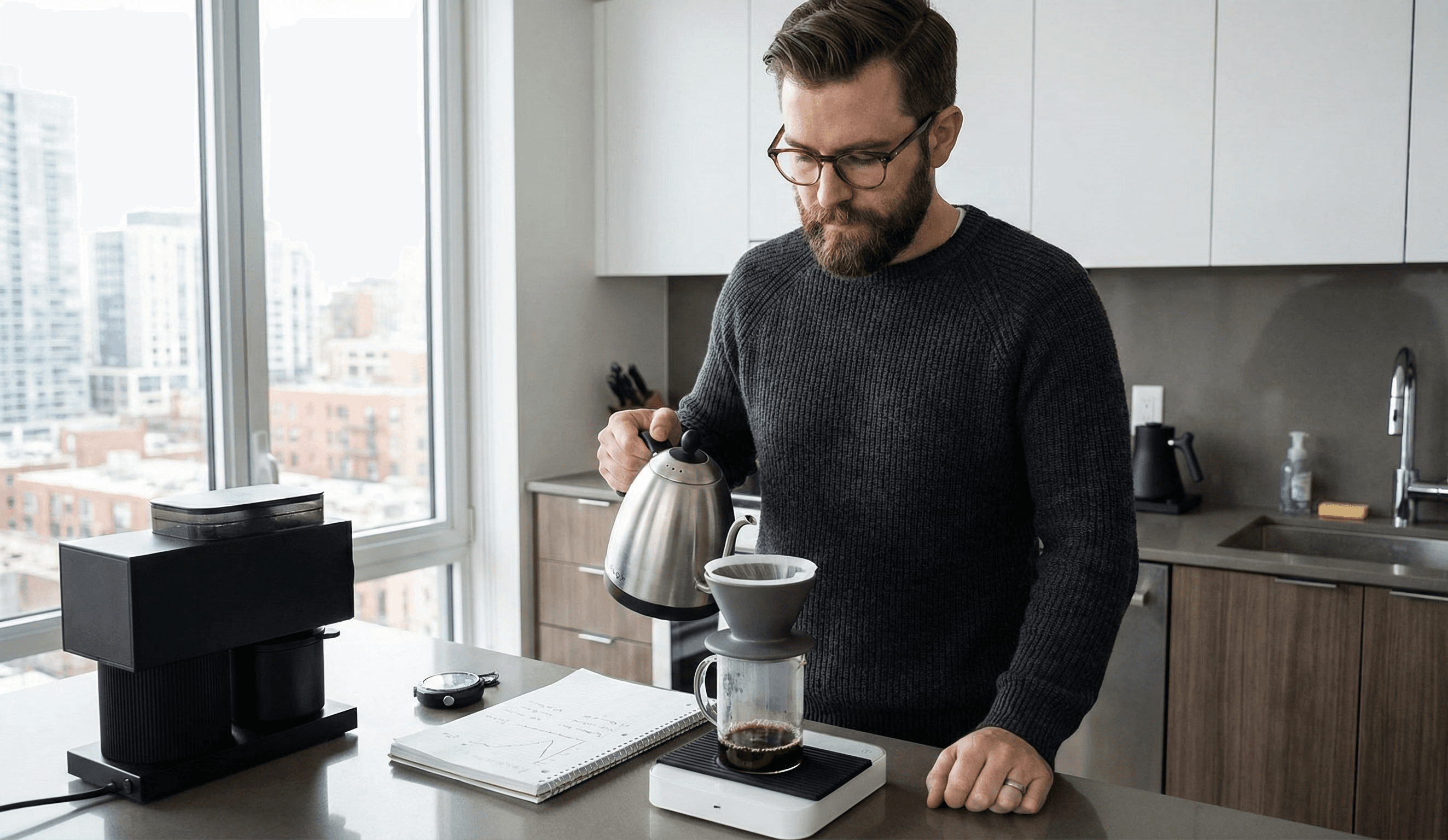
Julian’s coffee bench already looks like a lab. Before OTIS shows up, he’s using gear like this every day to chase small, repeatable improvements in his brew.
Market
"It's just coffee.. not"
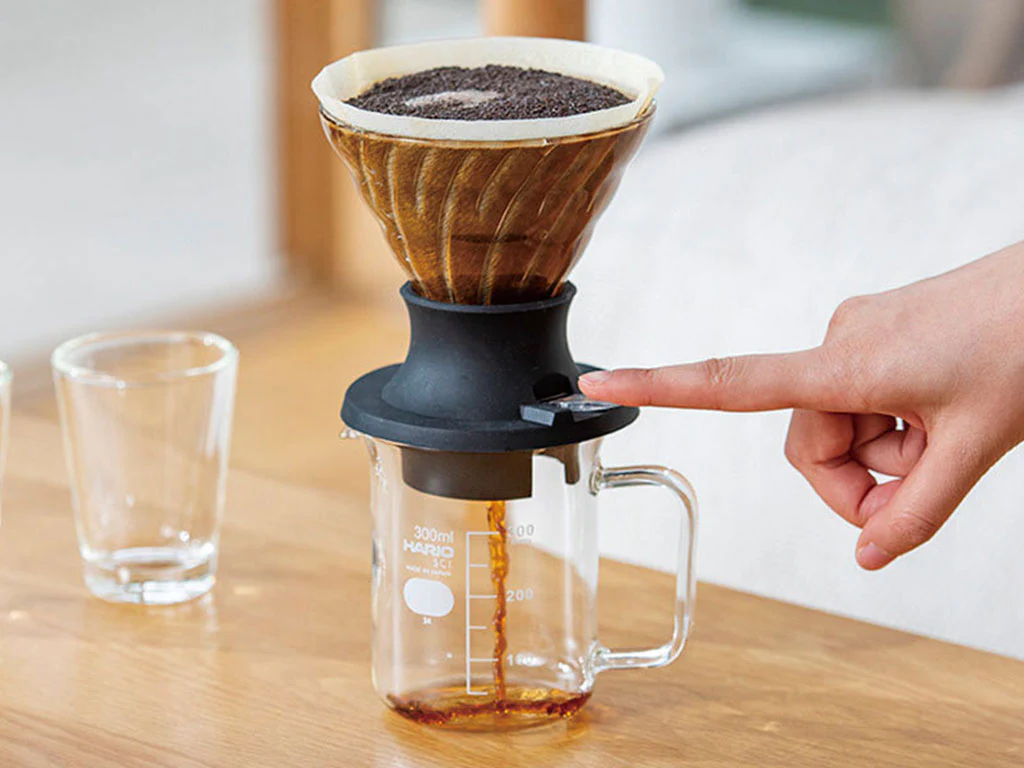

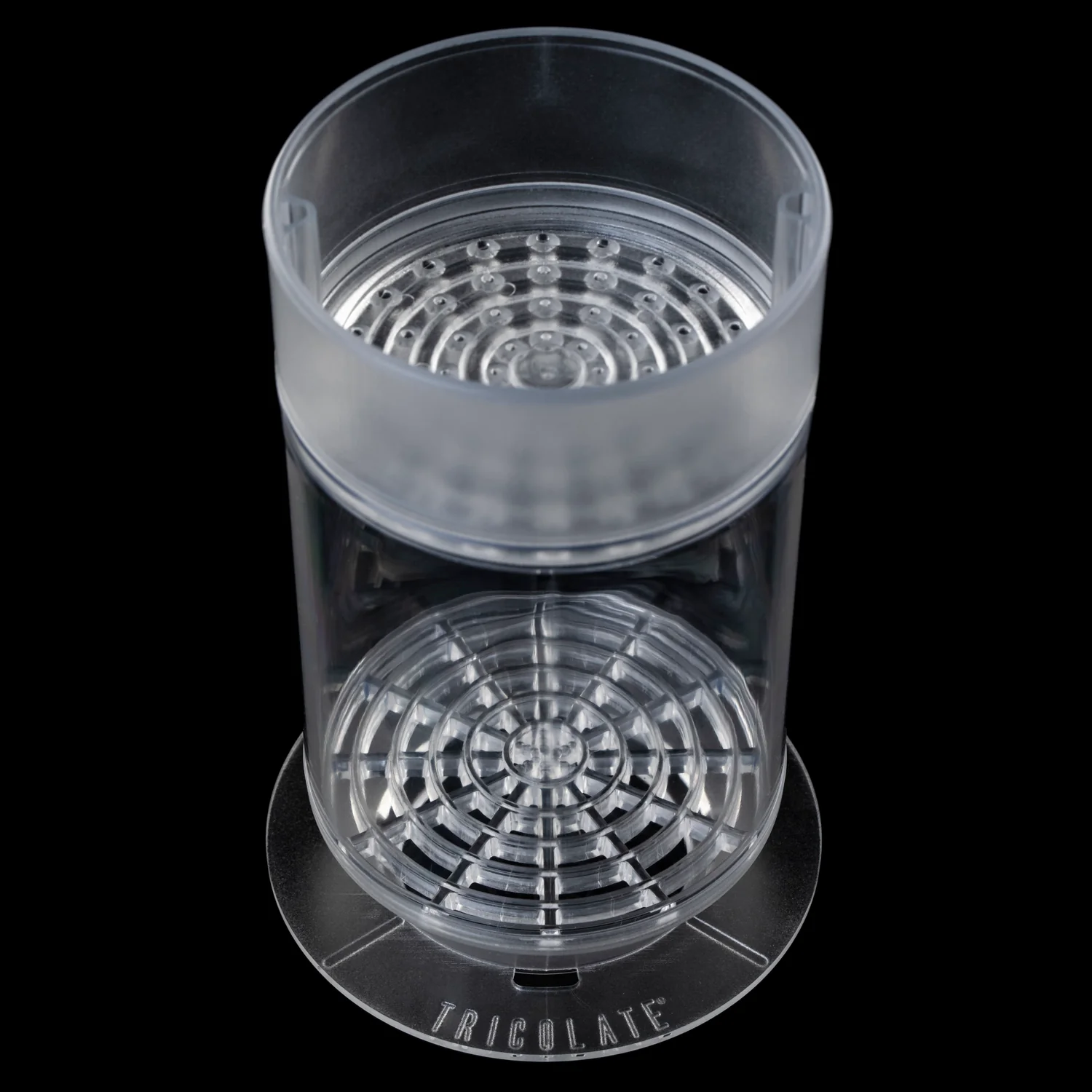
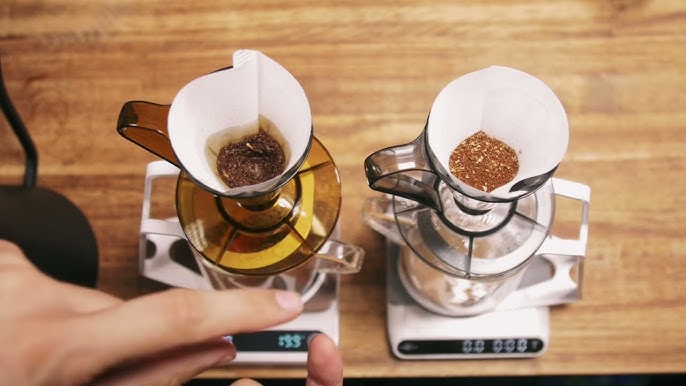
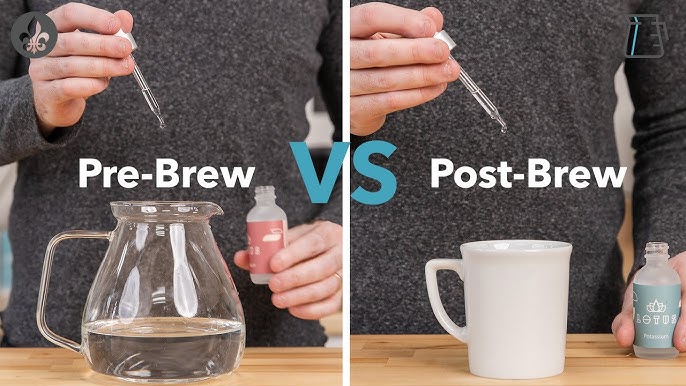
People spend thousands on grinders and pay extraordinary prices for rare microlots. Record lots have sold at $30,204/kg. When inputs cost that much, brewing becomes the weak link.
Final Concept
Otis - Automatic Brewer with tactile controls
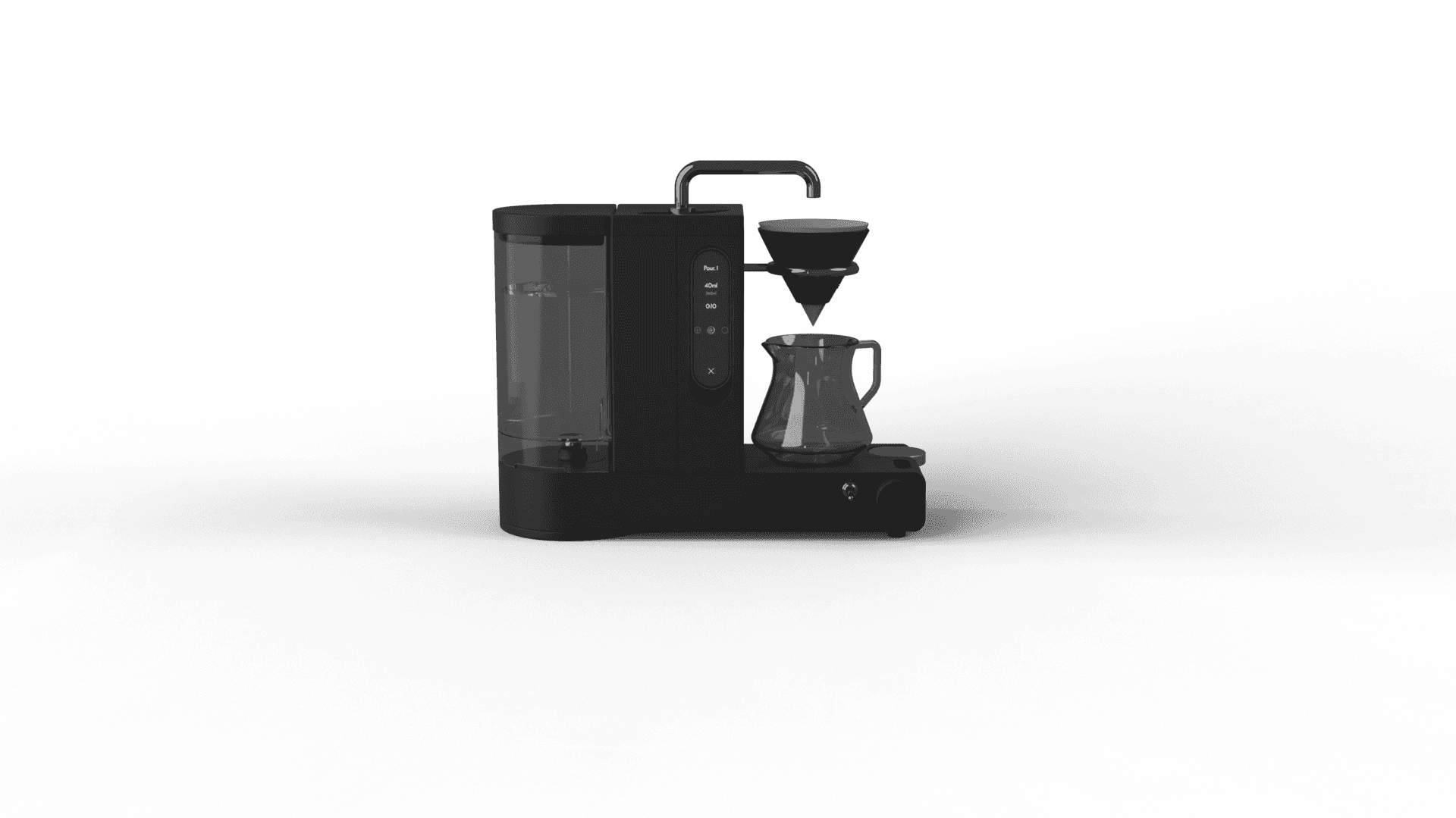
Automatic Mode
Select a Pour profile and Otis runs it for you. Choose a recipe tuned to the coffee's origin and processing, then Otis controls flow and spout movement to deliver a consistent brew.
Concept Generation
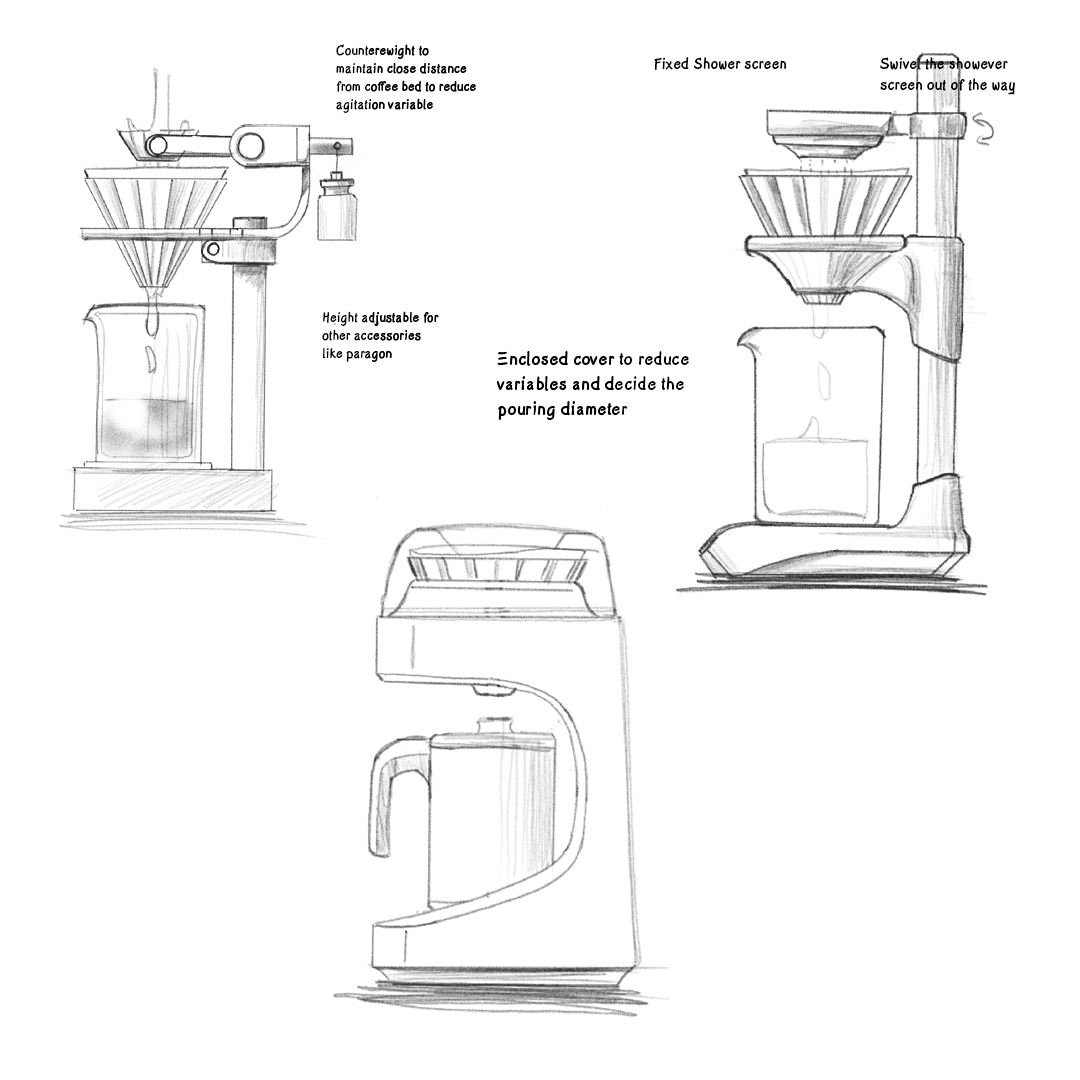
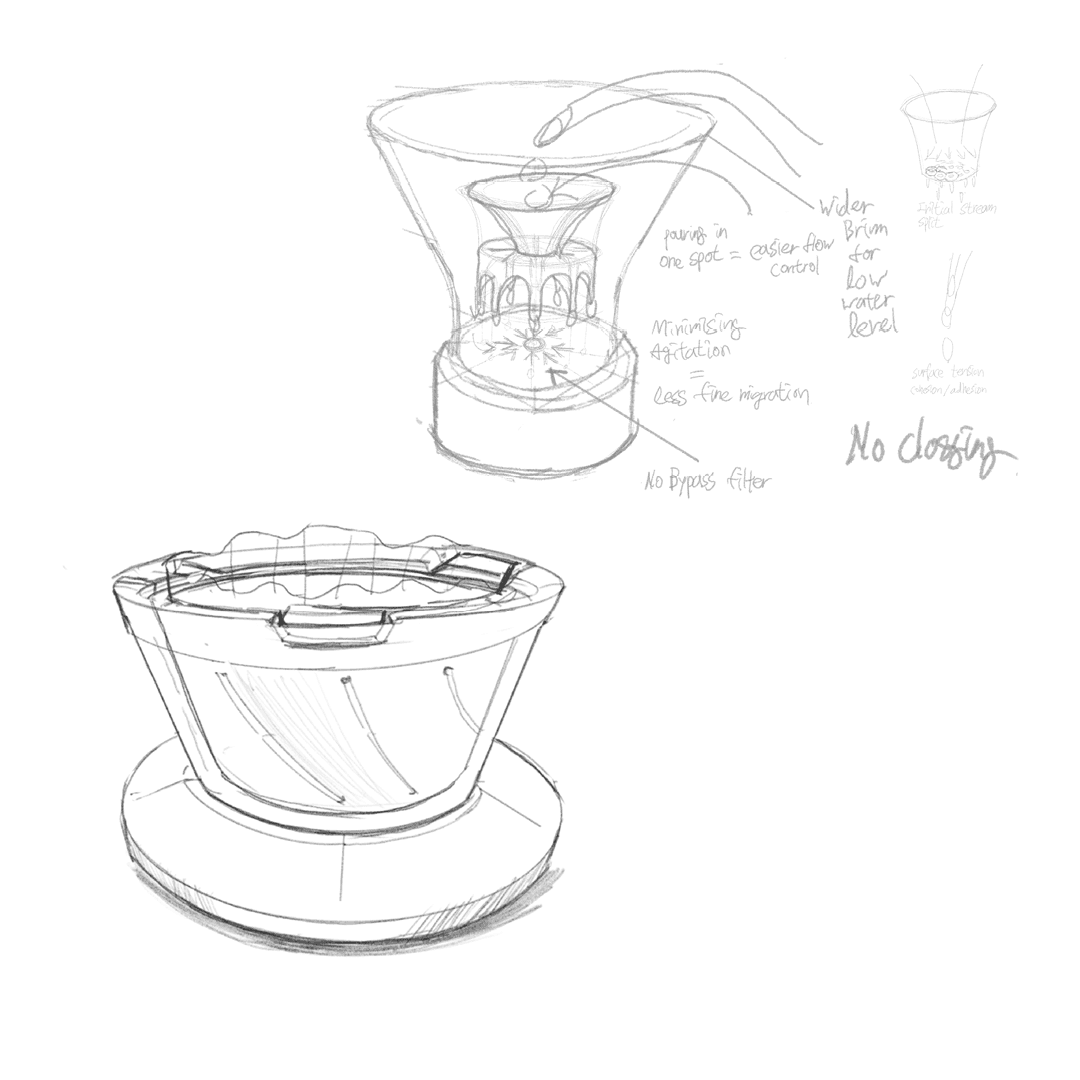
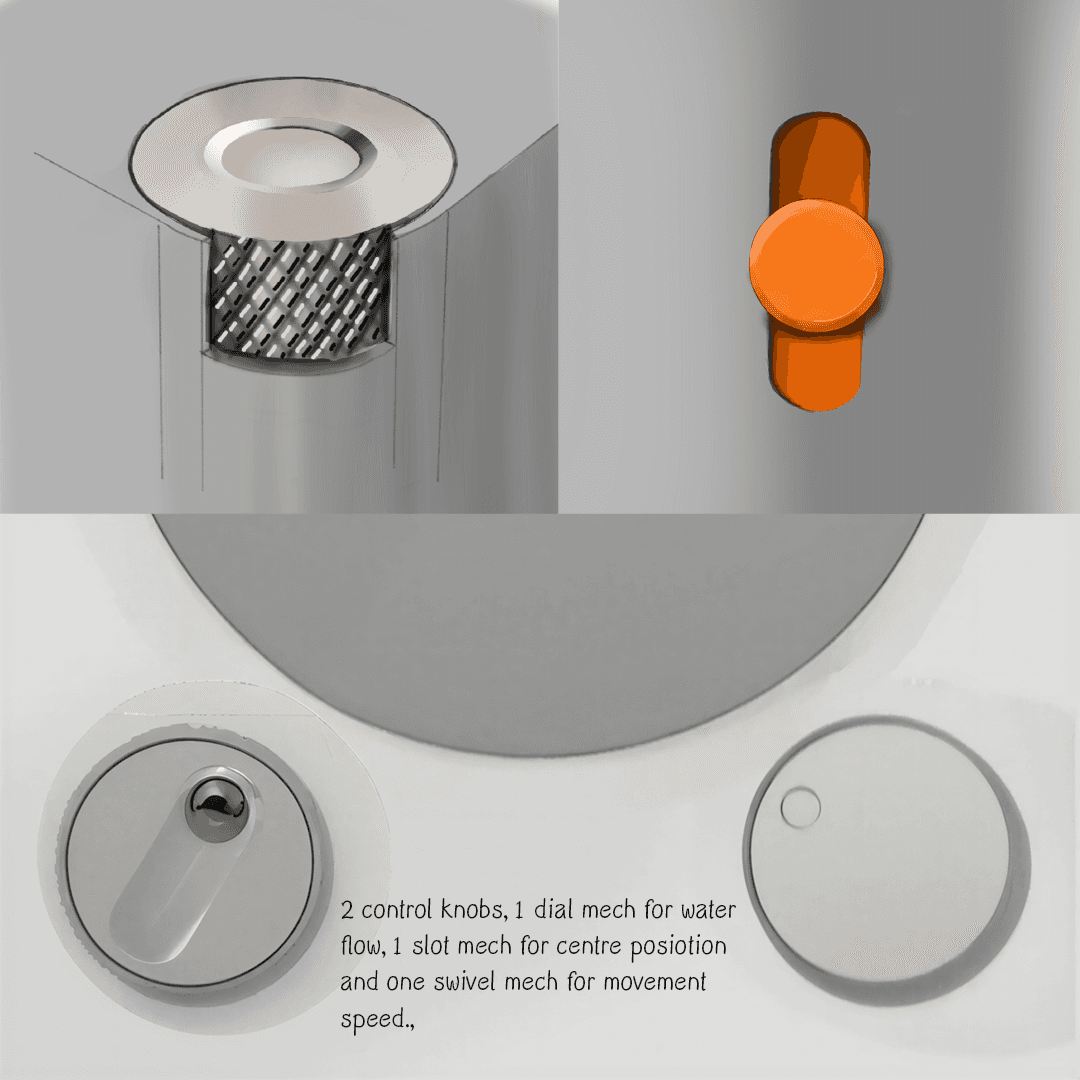
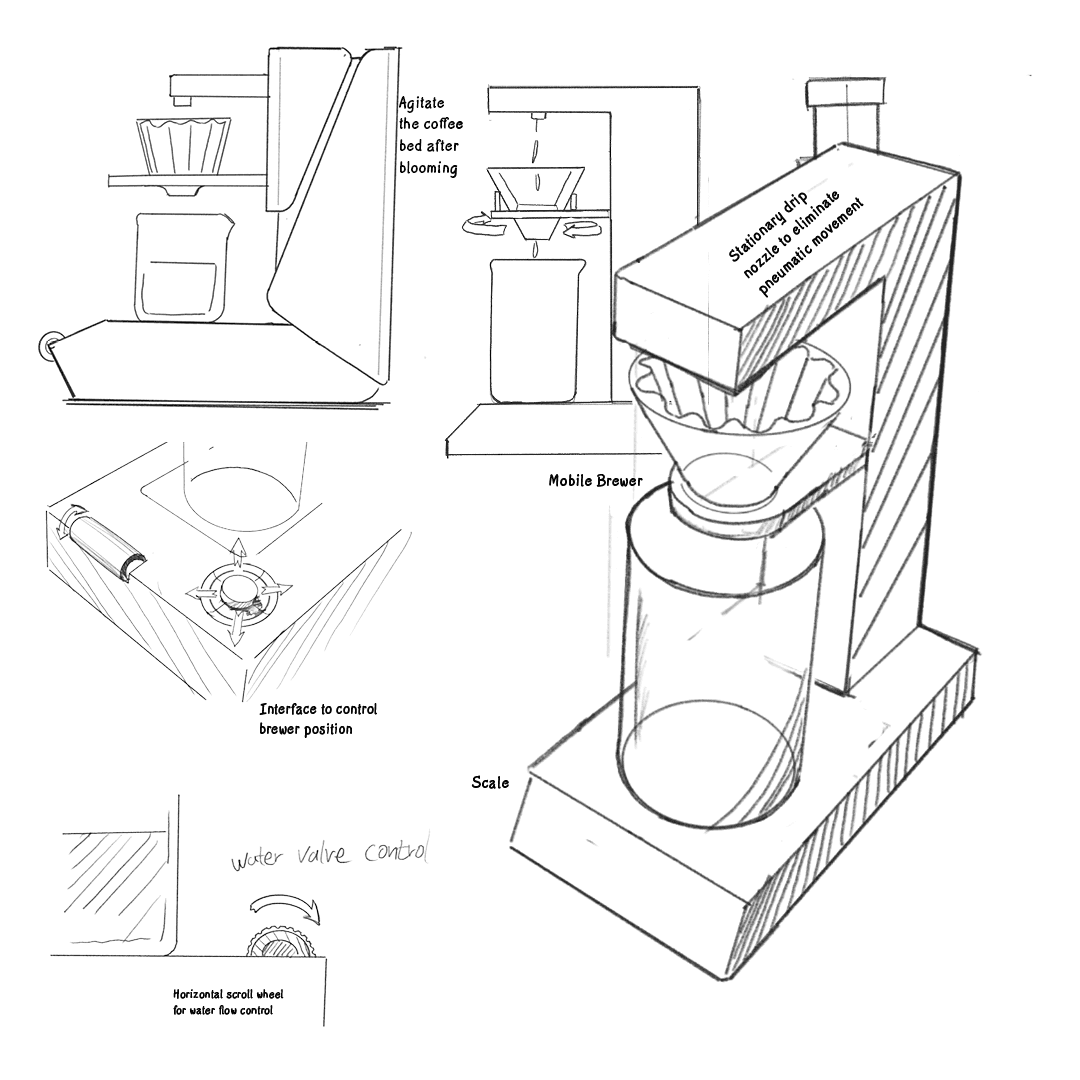
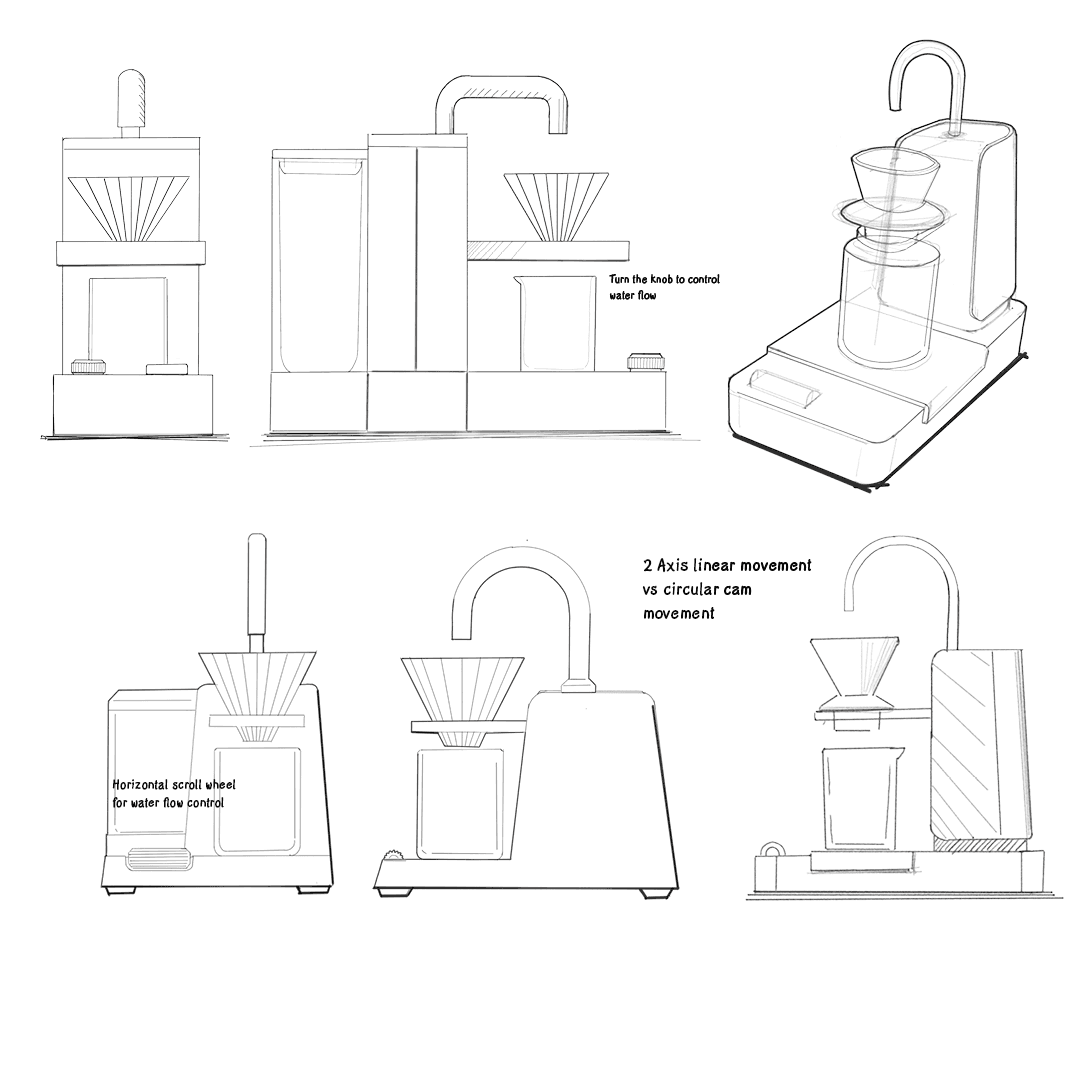
Procreate Concept Sketches
Ideation revolving around controlling and repeating coffee brew has been explored through digital sketches.
Concept Generation
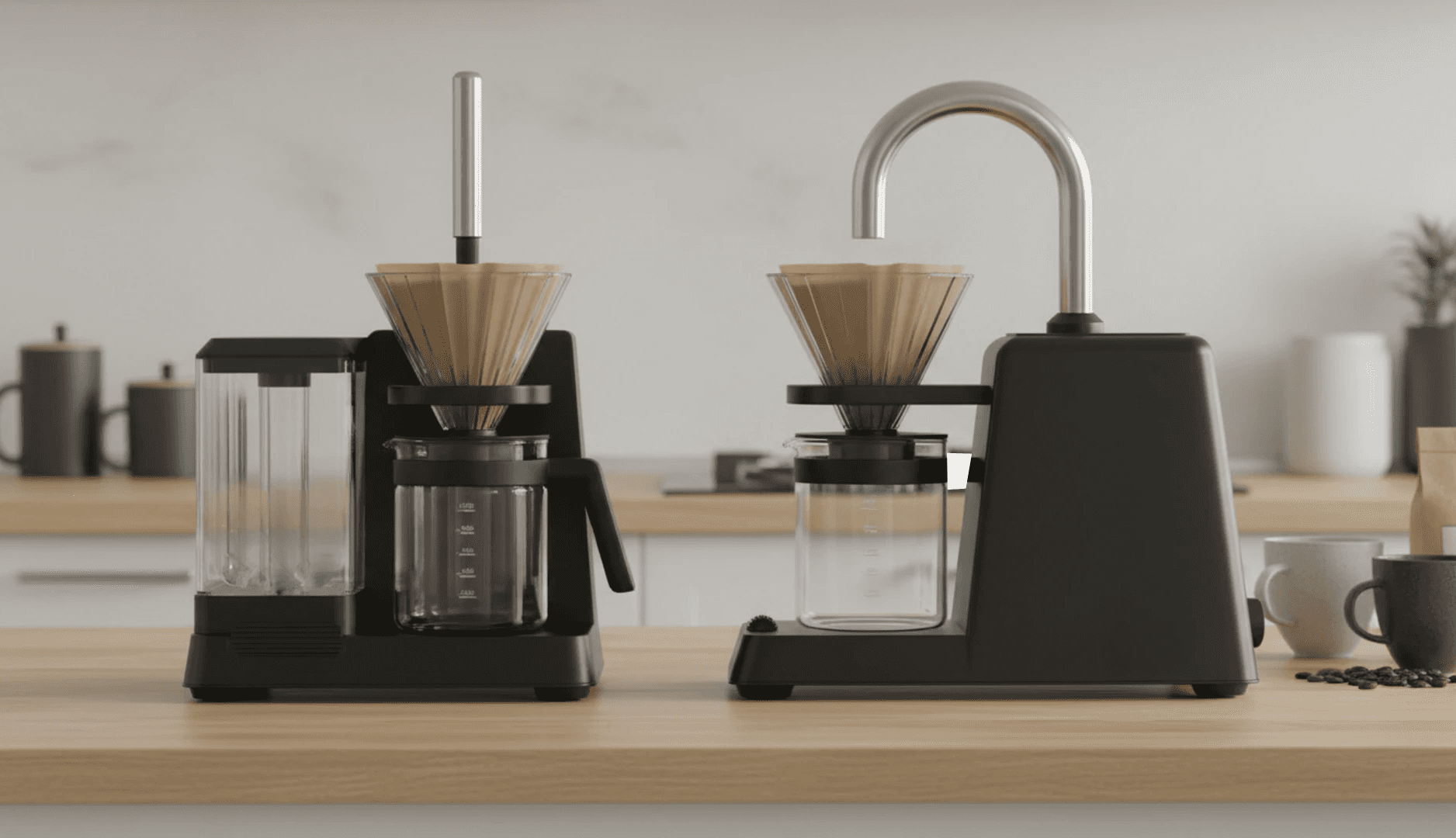
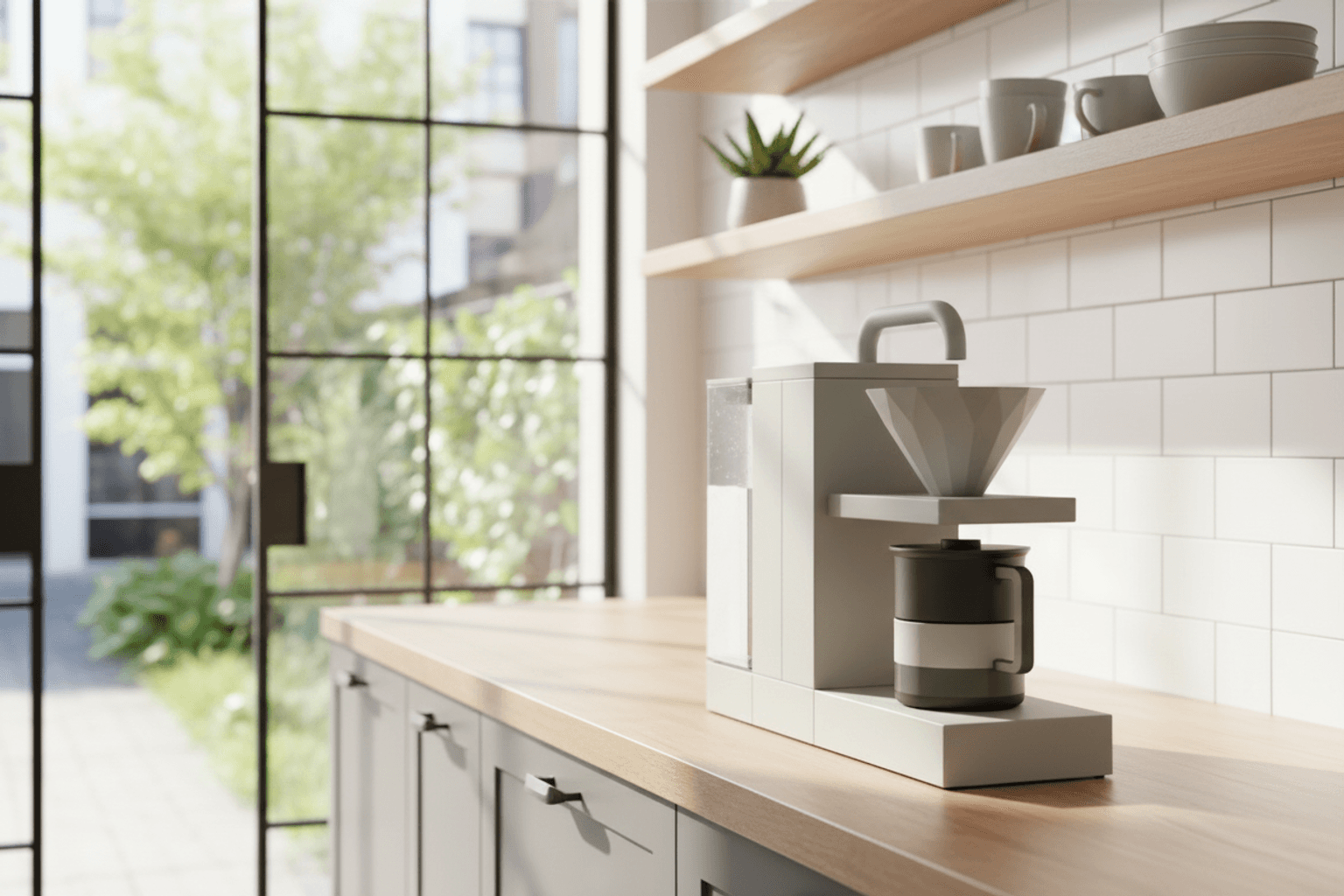
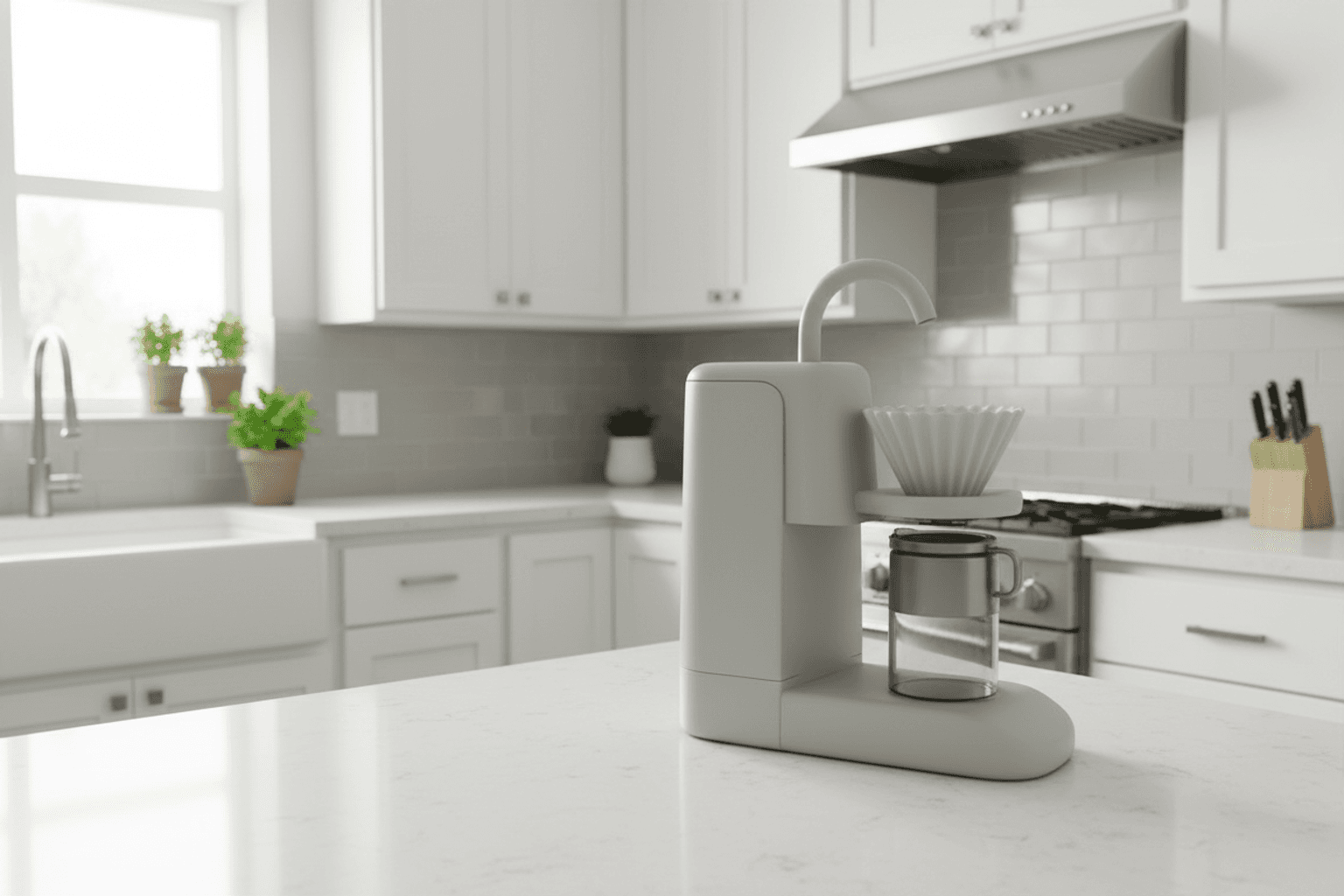
Vizcom Rendering
Produced photo-realistic rendering based on sketches
Concept Development
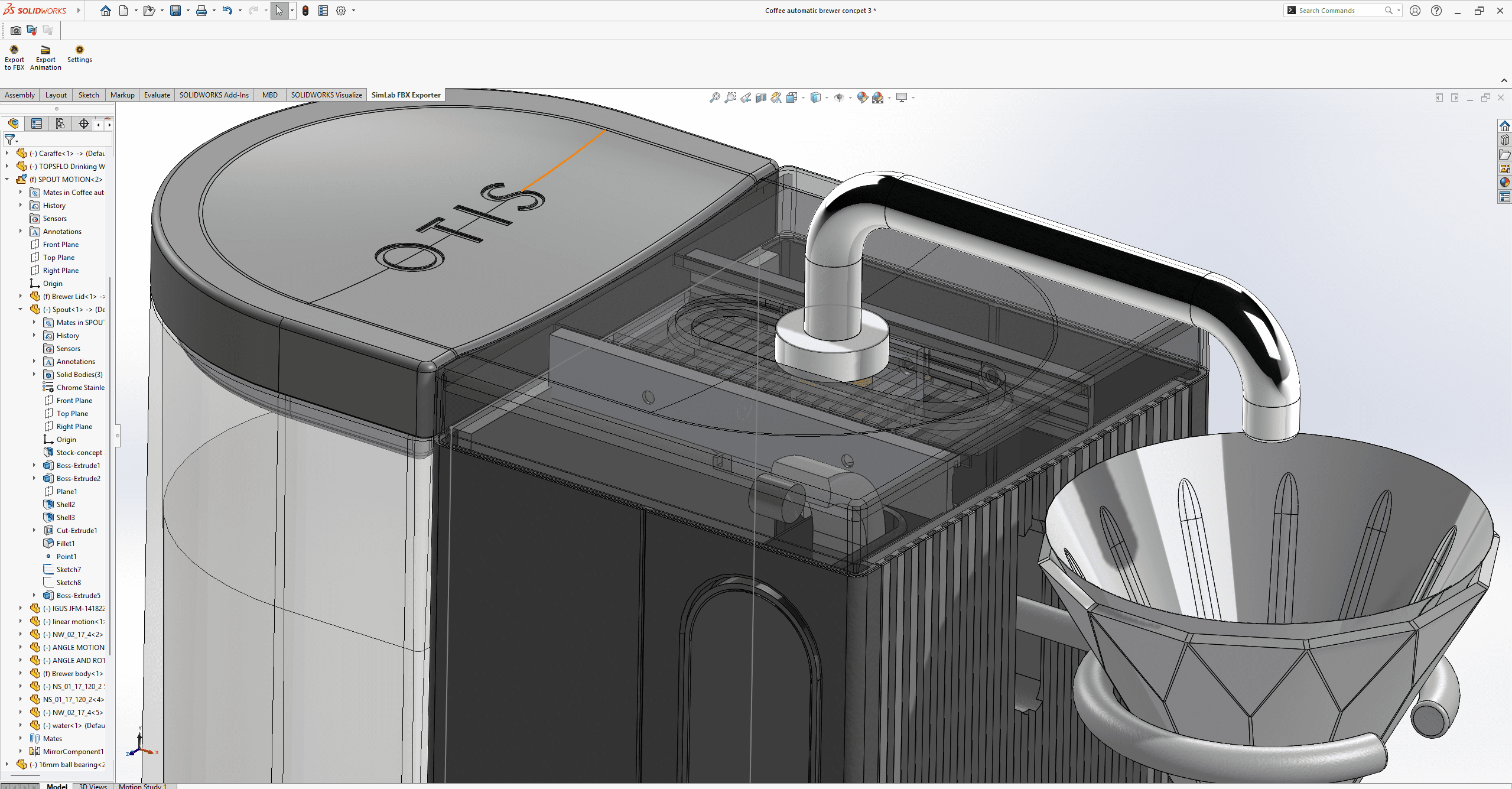
CAD model (Solidworks)
Solidworks model was created to verify design constraints and details
Concept Development
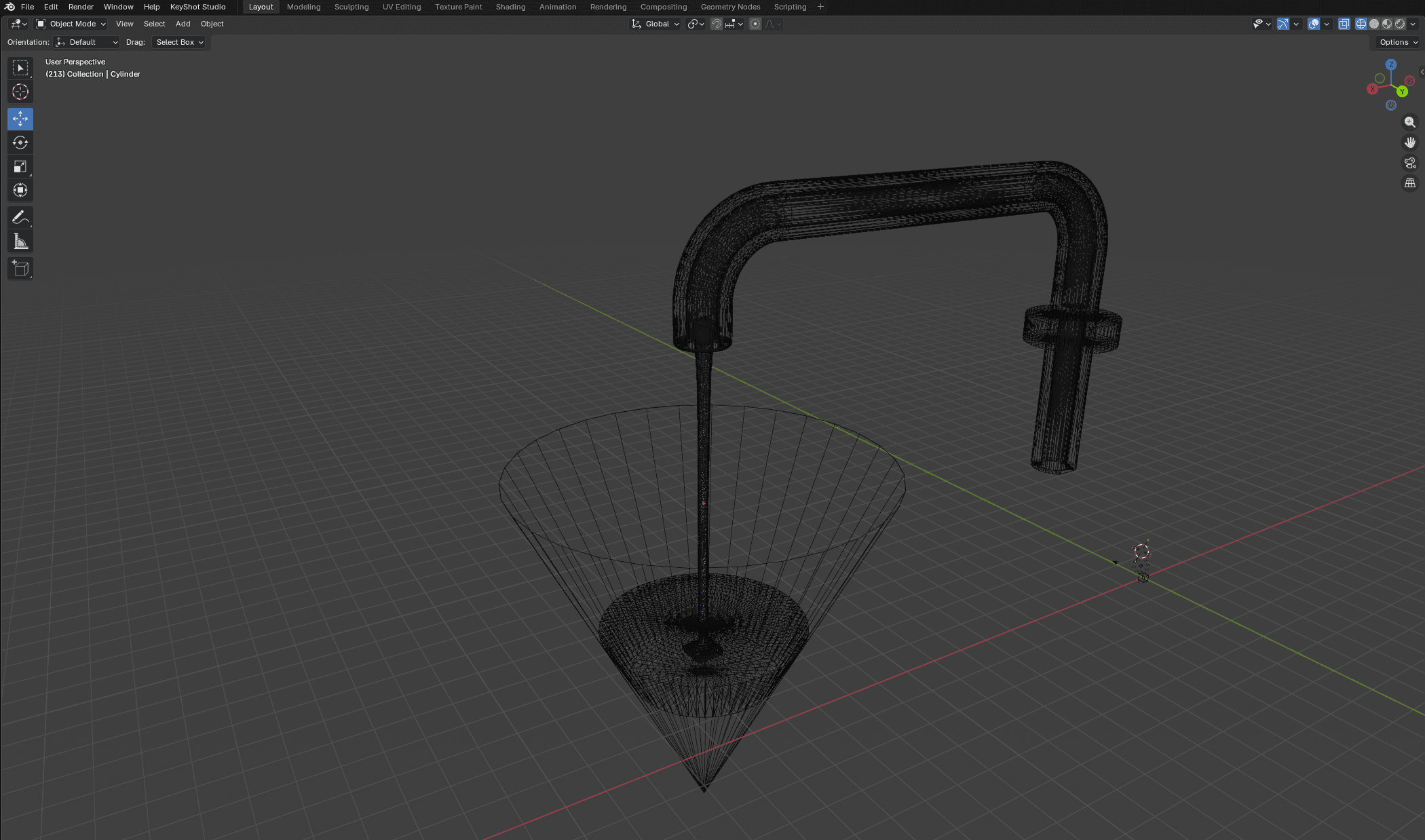
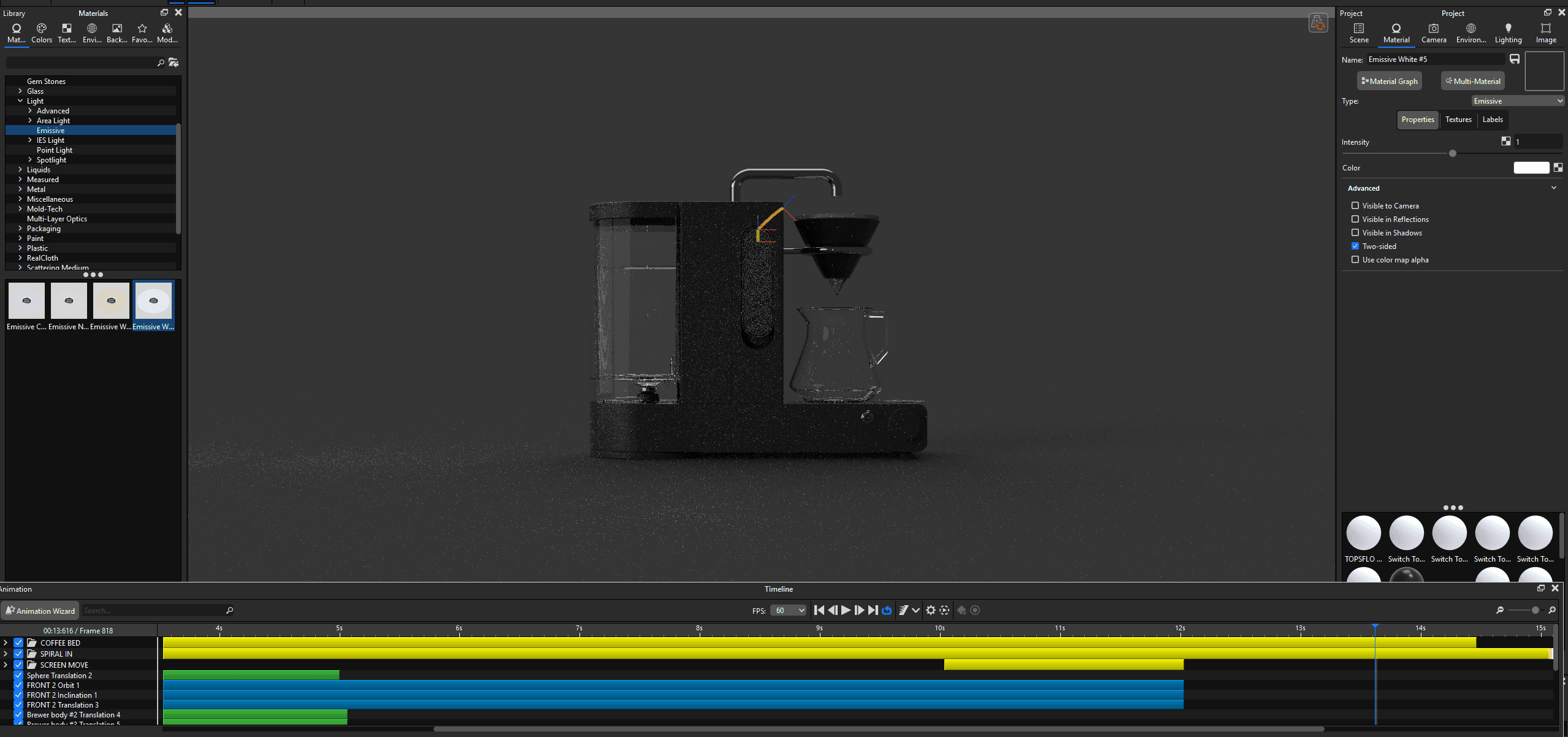
Still / Animation Rendering (Blender + Keyshot)
Solidworks model was created to verify design constraints and details